
Email Verification
Verify your email address with the OTP we send you after registration
After you register, Kumari AI sends a one-time passcode (OTP) to your email to confirm it's really you. Your account won't be active until this step is complete.
How It Works
Check Your Inbox
Look for an email from Kumari AI with the subject line "Verify your email". It will contain a 6-digit OTP code.
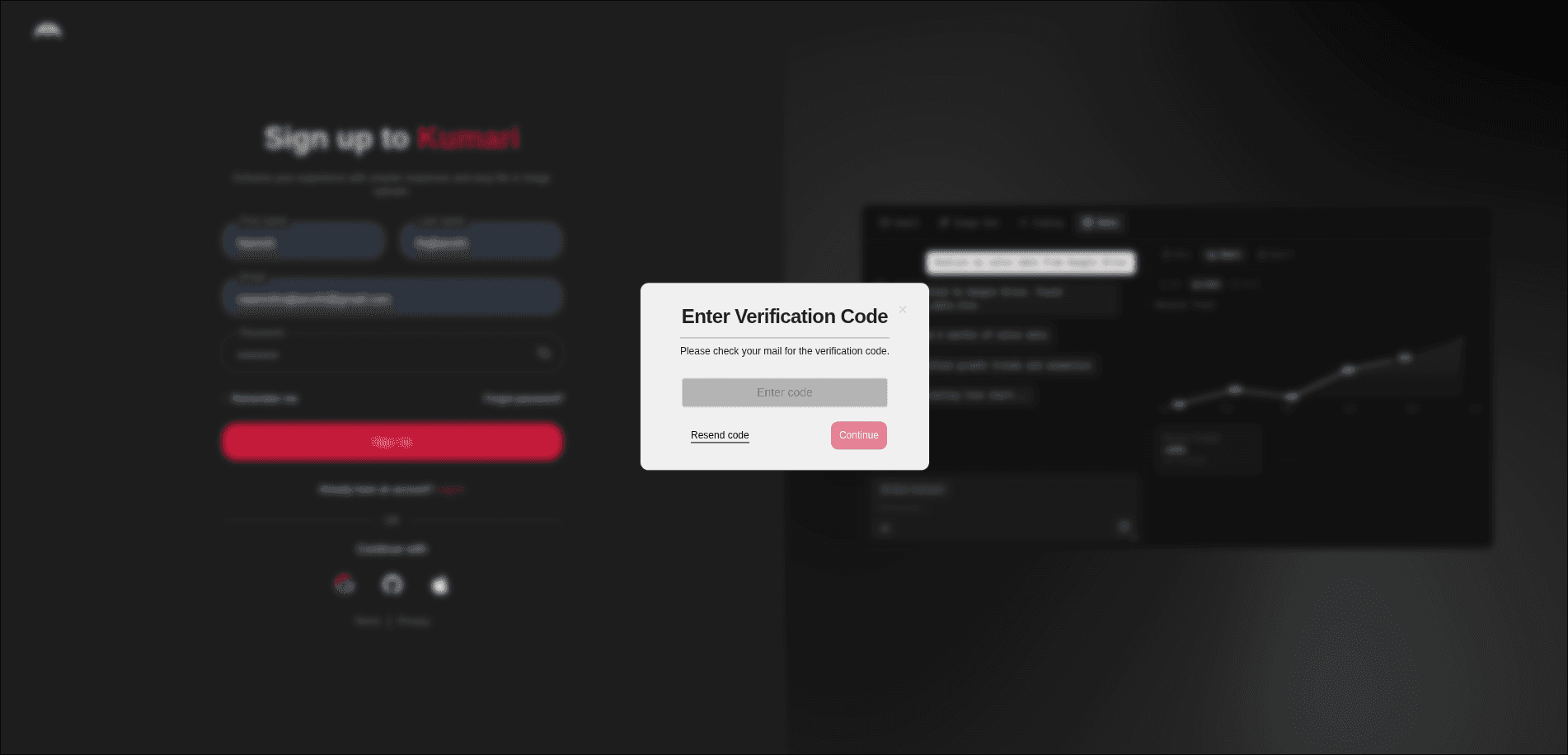
The OTP arrives within a minute. If you don't see it, check your spam or junk folder.
Enter the OTP
On the verification screen, type in the 6-digit code from your email and click Verify.
You're Verified
Once the code is accepted, your email is confirmed and you can proceed to log in.
Resending the OTP
If your code has expired or you didn't receive it, click Resend Code on the verification screen. A new OTP will be sent to your email.
Each OTP is valid for 10 minutes and can only be attempted 3 times. After it expires or after 3 failed attempts, you must request a new one.
Troubleshooting
| Issue | What to do |
|---|---|
| Didn't receive the email | Check spam/junk, then click Resend Code |
| OTP says it's expired | Click Resend Code to get a fresh one codes are valid for 10 minutes |
| Wrong email entered | Go back and register again with the correct email |
| Code keeps saying invalid | Make sure you're entering the latest code previous codes are invalidated when you resend |
| Exceeded 3 attempts | The code is invalidated after 3 wrong tries click Resend Code to get a new one |