
Create an Account
Sign up for Kumari AI and get started in minutes
Creating a Kumari AI account is quick and free. You can sign up with your email or use an existing account from Google, GitHub, or Apple.
Before You Begin
You'll need:
- A valid email address you have access to
- A password (at least 8 characters) only if registering with email
- To be 13 years of age or older to use Kumari AI
Sign Up Options
| Method | How |
|---|---|
| Click Continue with Google and authorise via your Google account | |
| GitHub | Click Continue with GitHub and authorise via your GitHub account |
| Apple | Click Continue with Apple and authorise via your Apple ID |
| Fill in the registration form with your name, email, and password |
Social sign-ups skip the email verification step your identity is confirmed through the provider directly.
Steps to Sign Up
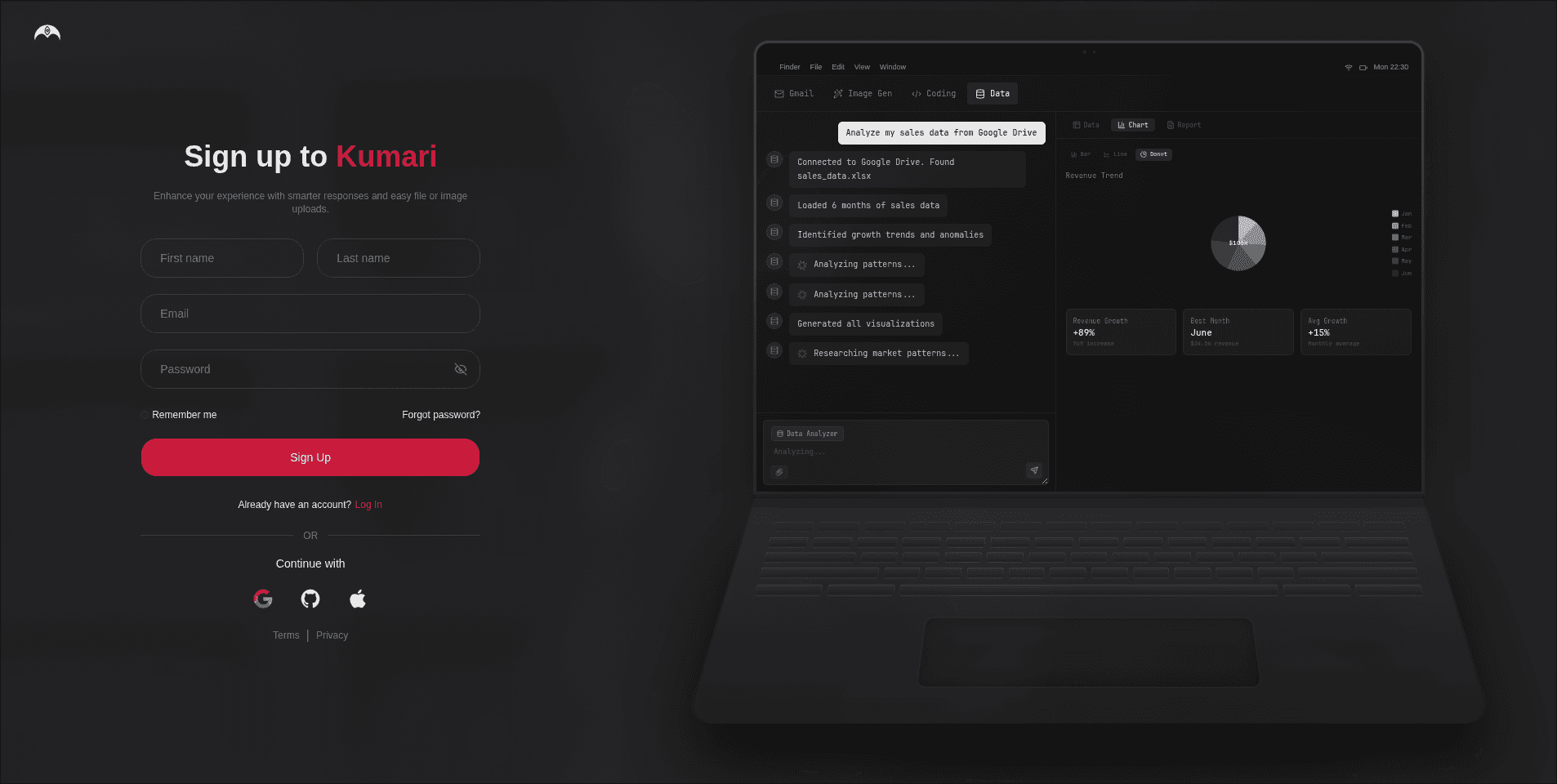
Enter Your Details
Fill in the registration form:
- Full Name your display name on the platform
- Email Address this will be your login email
- Password choose a strong password (min. 8 characters)
Click Create Account when you're done.
Verify Your Email
After submitting the form, we'll send a 6-digit OTP to the email address you provided. Head to the next step to complete verification.
Didn't receive the email? Check your spam/junk folder. The OTP is valid for 10 minutes.
After Registration
Once your email is verified, you can log in to your account. On your first login, you'll be asked to confirm your date of birth to verify you meet the minimum age requirement.
Kumari AI is only available to users aged 13 and above. Accounts that do not meet this requirement will not be granted access.
Already Have an Account?
Head over to the Login page to sign in.