
Log In
Sign in to your Kumari AI account
Once you've created an account, you can log in to Kumari AI using the same method you signed up with.
Logging In
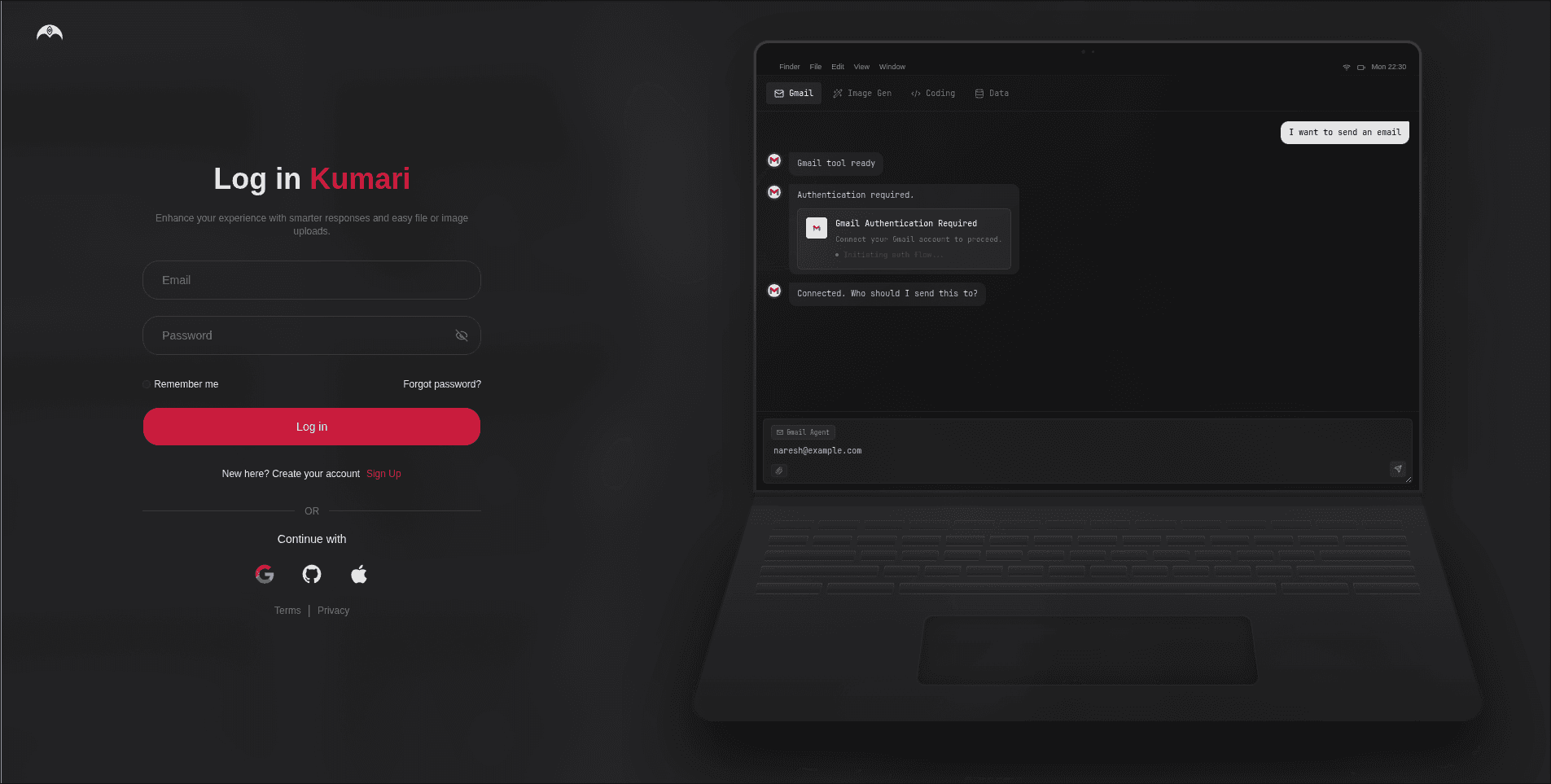
Choose your sign-in method
Select the method you used when you signed up:
- Continue with Google signs you in via your Google account
- Continue with GitHub signs you in via your GitHub account
- Continue with Apple signs you in via your Apple ID
- Email and password enter your registered email and password
Always use the same method you signed up with. Signing in with a different provider will create a separate account.
You're In
You'll be taken to your dashboard. If this is your first time logging in, see below you'll be asked to verify your age first.
First Login Age Verification
On your very first login, Kumari AI will ask you to enter your date of birth before you can access the platform.
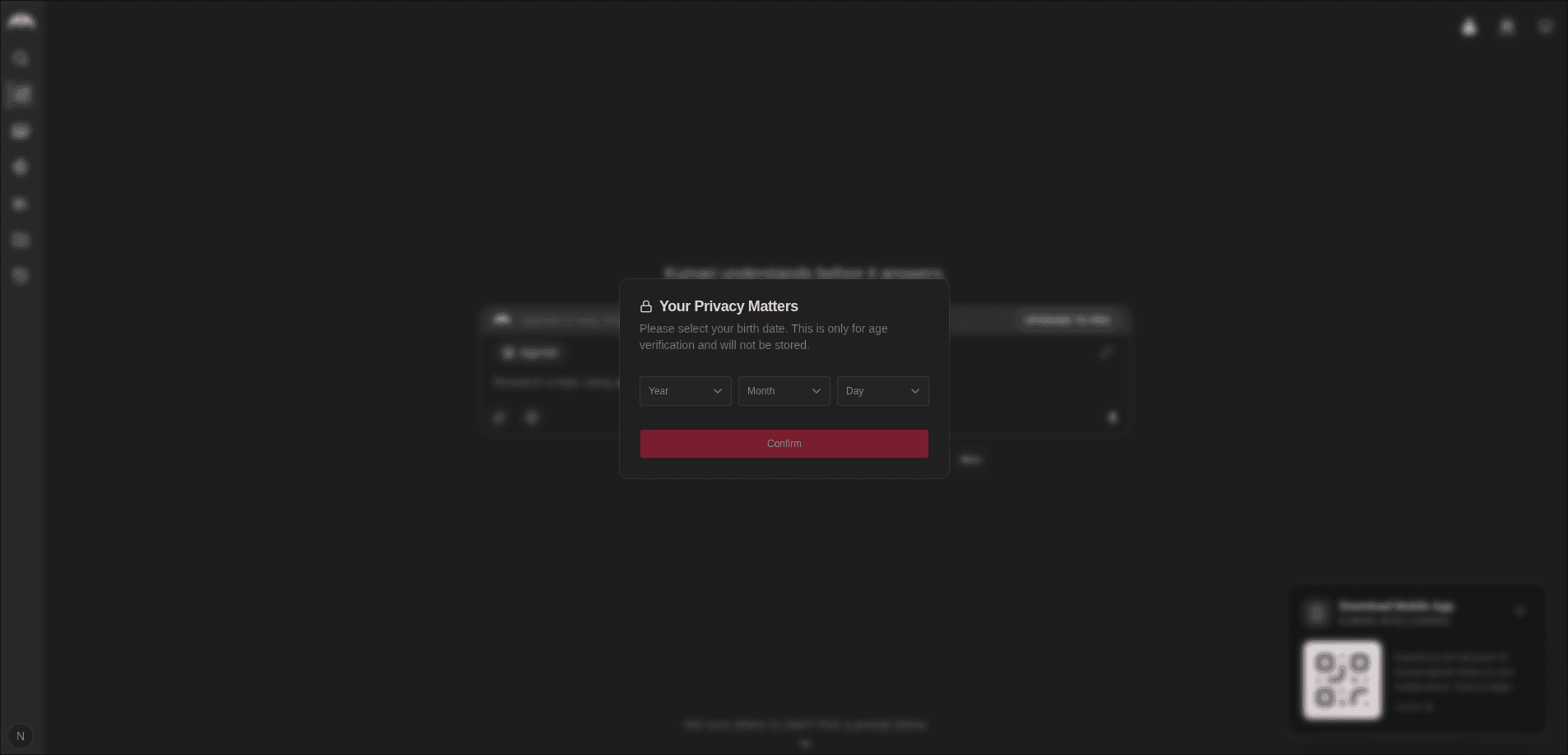
This is a one-time step. We use it to make sure all users meet our minimum age requirement.
You must be 13 years of age or older to use Kumari AI. If the date of birth you enter shows you are under 13, your account will not be granted access.
Your date of birth is only used for age verification it's not displayed publicly or shared with third parties.
Trouble Logging In?
- Forgot your password? Use the Password Reset flow to set a new one.
- Email not recognised? Make sure you're using the same email you registered with.
- Account not verified? Complete email verification first unverified accounts cannot log in.