
Reset Your Password
How to reset your Kumari AI password if you've forgotten it
If you've forgotten your password, you can reset it via email. The process is quick and secure we send a reset link with a unique token directly to your registered email address.
Steps to Reset Your Password
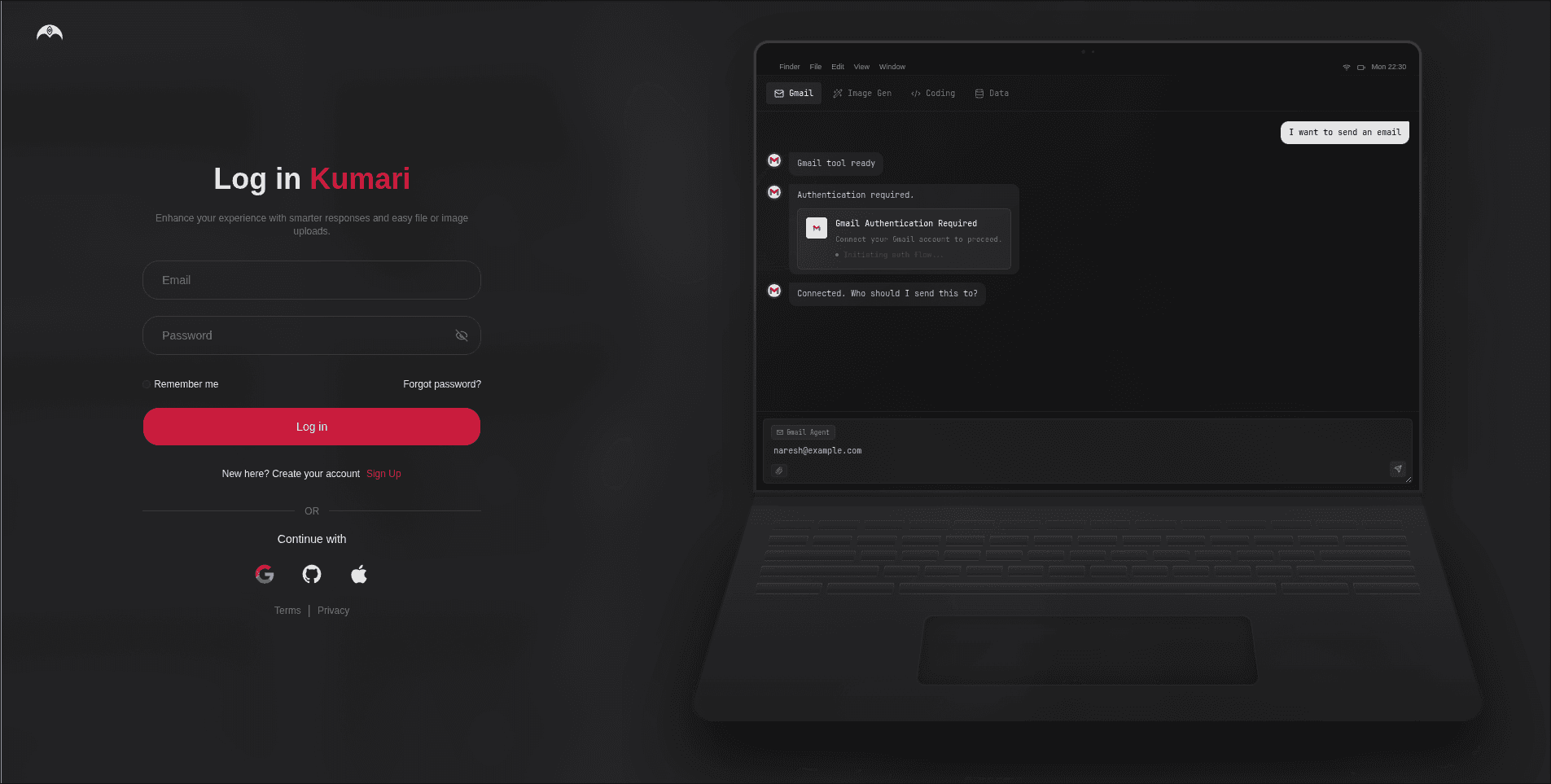
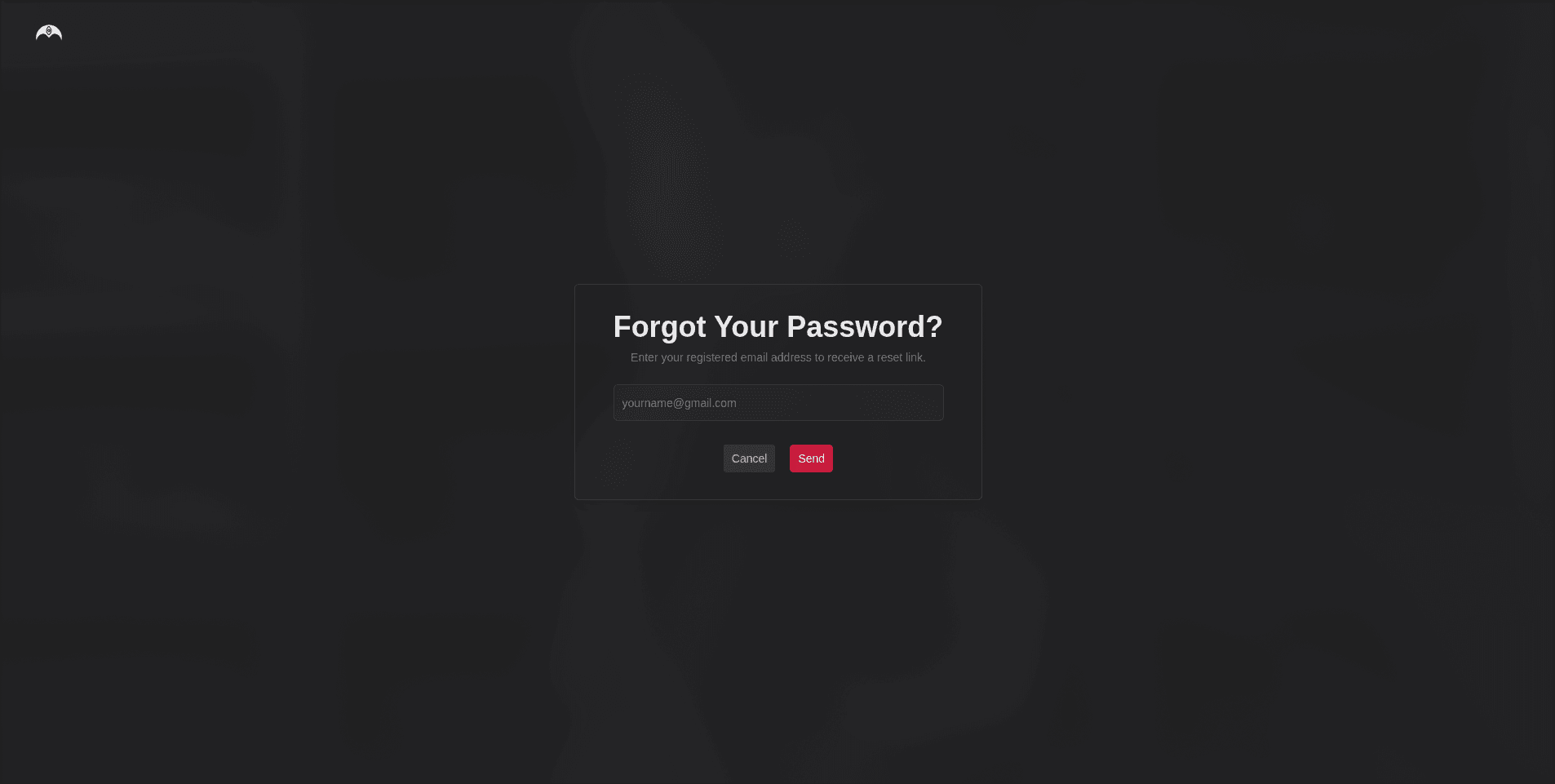
Enter Your Email
Type in the email address associated with your Kumari AI account and click Send Reset Link.
Check Your Email
We'll send you an email containing a password reset link. Click the link in the email to proceed.
The reset link arrives within a minute. If you don't see it, check your spam or junk folder.
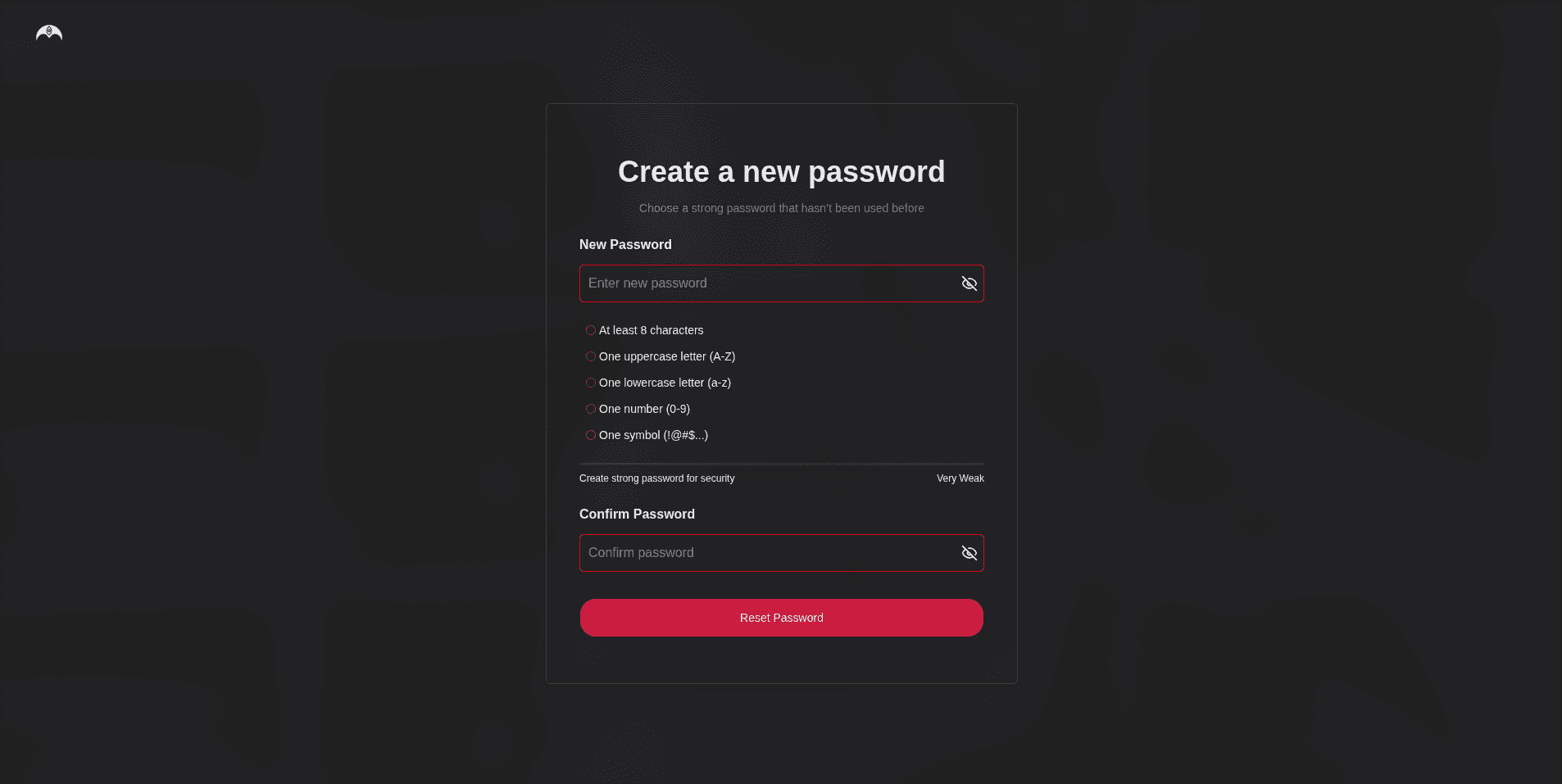
Set a New Password
The link will take you to a page where you can enter and confirm your new password.
- Must be at least 8 characters
- Choose something you haven't used before
Click Reset Password to save it.
Log In With Your New Password
Once reset, head back to the login page and sign in with your new credentials.
Important Notes
Password reset links are single-use and expire after 1 hour. If yours has expired, go through the reset flow again to get a new link.
- Each link contains a unique secure token tied to your account never share your reset link with anyone.
- If you receive a reset email without requesting one, your account is safe the link only works if someone completes the form on your device. You can ignore the email, but consider changing your password as a precaution.
Still Can't Get In?
If you no longer have access to your registered email address, contact Kumari AI support for further assistance.