
Web Search
Search the web in real time with focused modes for deep research, finance, social media, and more
Kumari AI can search the web as part of any conversation. Web Search isn't just a single feature it comes with specialized search modes that tailor how results are gathered and synthesized depending on what you're looking for.
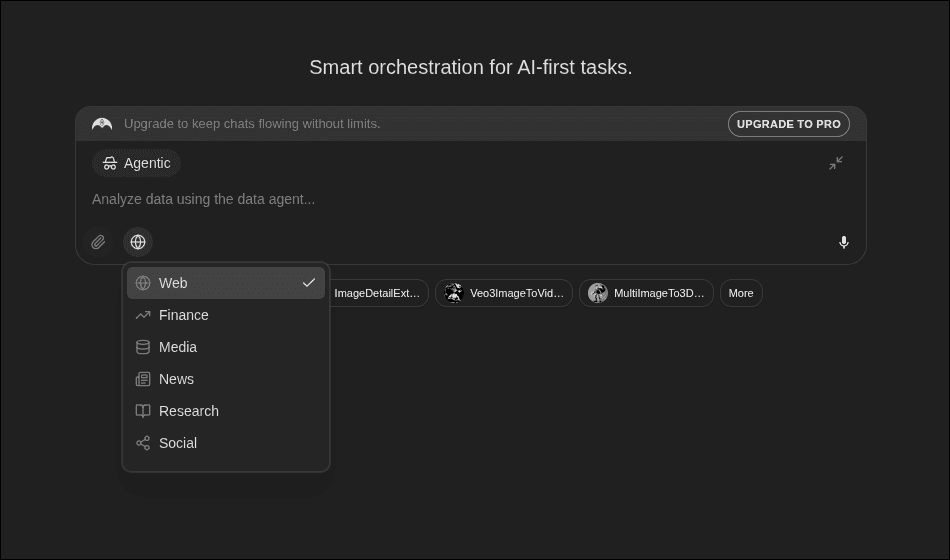
Enabling Web Search
Web search can be toggled from the chat input toolbar. When enabled, the active search mode is shown as a badge on the input.
You can also enable it automatically by choosing a search-focused mode (see below).
Search Modes
Standard Search
A general-purpose web search. Good for current events, quick facts, and anything that needs up-to-date information beyond the model's training cutoff.
Deep Research
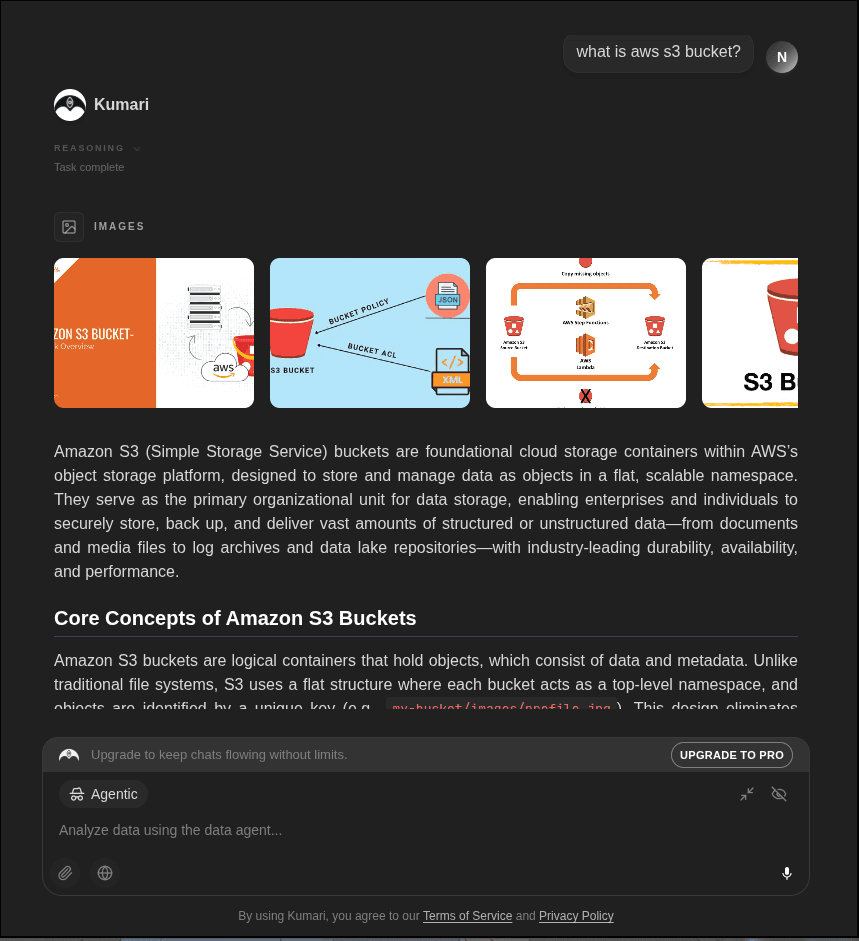
Goes beyond a single search query. The system:
- Runs multiple searches from different angles
- Reads and cross-references sources
- Synthesizes findings into a structured, cited report
Best for: academic research, competitive analysis, detailed topic exploration.
Finance
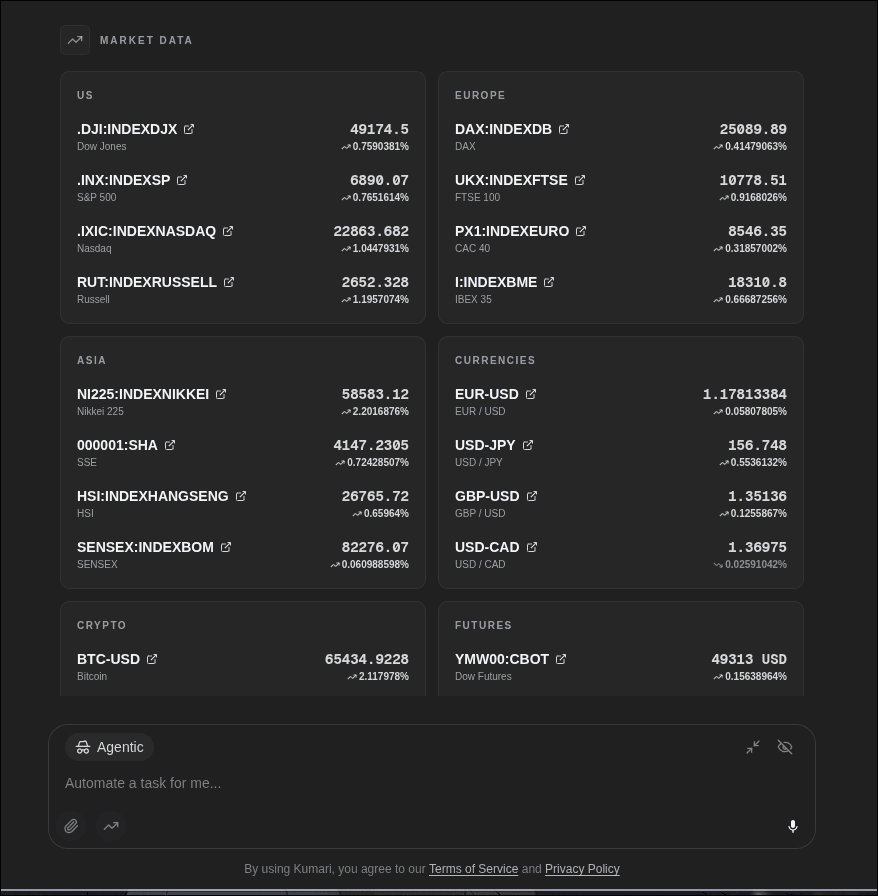
Searches financial data sources for:
- Stock prices and market data
- Company financials and earnings
- Economic indicators and news
- Investment research and analyst reports
Best for: market research, portfolio analysis, financial due diligence.
Social Media
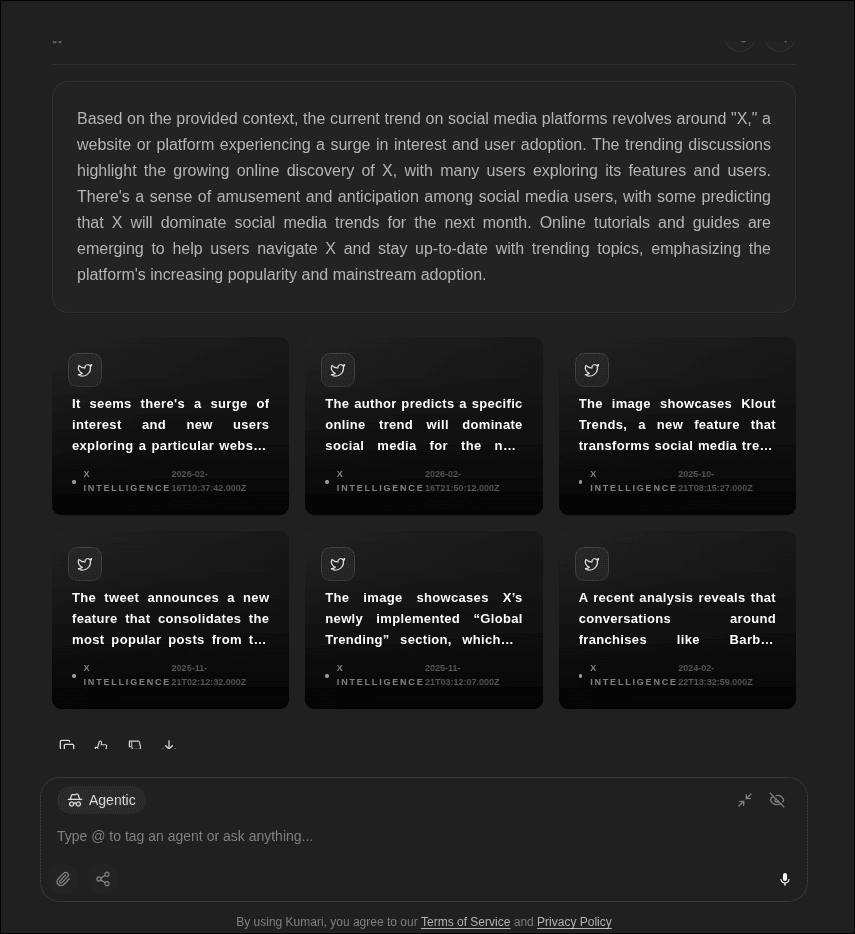
Pulls content and trends from social platforms:
- Trending topics and hashtags
- Public sentiment around a brand or topic
- Viral content and conversation threads
Best for: brand monitoring, content research, trend spotting.
How to Switch Search Modes
Enable web search
Toggle the search icon in the chat input toolbar and enable search from the mode picker.
Pick your search mode
A mode selector appears once search is enabled. Choose from Standard, Deep Research, Finance, or Social Media.
Send your prompt
Your query is sent with the active search mode. Sources are cited inline in the response.
Sources & Citations
All web search responses include cited sources. You can click through to the original pages directly from the response.